@Towermaint Right now we are out of stock world wide but hope to be able to offer the new controller to all markets by the end of May (assuming no snafus with production)
Thanks for that Andrew
Looking forward to the new one with all the extras
Gerard
Pre-ordered. The standalone work station really sold it!
I agree @BobD! I just pre-ordered. Looking forward to the next generation controller. Awesome can’t say enough.
The email with a link for pre-orders has been received but the offer is not showing up on the website for UK customers?!
@Andrew will the new screen require a software update to use or is it plug in and play with the last updates? Will you be able to use either the old controller screen or new without changes being made? I see a Pc mouse in one of the launch pics. What are its functions? Does it come with a mouse? What is the plug style for the mouse.
Really itching to test drive this new screen!! Looks like it will be arriving Friday.
I spoke with “support” via email this morning. It is “around 3000 lines”, now. It used to be 5000 until they added new features last year. My file is just 2968 lines and “too big”.
I placed my order for “controller plus”.
GK
I just received my new plus controller/screen today. It feels much nicer than the old one. Usability is improved since the screen is larger and perhaps a bit more responsive. I do like the integrated shapes/gussets/mounting plates, along with the fact I can power it with normal USB-C and not have to be out in the garage drawing something. Most of my designs are done in Fusion 360 or Freecad, but there are occasions where I do make parts on the Arcdroid directly. I think this upgrade will make that usable for me. Unfortunately, my old display mount won’t hold this new display, so I’ll need to figure out a solution to that. All I can say is, it feels like a very nice upgrade over the “legacy” version.

3 Likes
Thanks for the update. That new screen is huge compared to the original. I might be getting mine today if UPS delivery info is correct. Very excited.
Got an update from UPS, coming tomorrow 
Mine just arrived yesterday, played with it a bit. New features seem neat, I can see a lot of great ideas for presets in the future (gussets are super helpful), and the hardware definitely feels premium. I will say I was pretty disappointed that there still isn’t any way to delete individual line sections/points/parts of a shape, and no way to edit individual points (as far as I could tell). Not sure how you’re handling the object references and constraints in your software, so I don’t want to tell you how to make your own product. But are there any plans for these specific features in the future, considering the bump in power on the new controller? There’s been a bunch of times where I’ve needed to delete a single feature, without just hitting undo a bunch. And I’d love the ability to input actual grid positions, or distances, for dots/lines/features. @Andrew
Shape trim and point delete is literally the next feature on the list for release.
Update coming soon!
I am having an issue with the new controller connected to the ArcDroid. It starts to boot then I get an error message saying “No Comms for 5 seconds”. I tried powering it via USB-C and it boots fine. But when the ethernet cable is connected it just sits at the boot screen forever with a colored line getting drawn over and over again. The ArcDroid firmware is the latest 12/2024 version. Any suggestions? Thanks! UPDATE: I plugged a mouse into the USB-A port… and it boots! But it does not see the ArcDroid. Version is just a bunch of “???” So weird!
Holy crap you ROCK!!! I’m so stoked!
I might know what’s up there
Shoot me an email to andrew@arcdroidcnc.com include a photo of your serial number sticker so whe know what we are working with and we’ll get you sorted out.
1 Like
Got mine about an hour ago. For the warranty, do I need to register the new controller? Also, on the controller, not seeing no SN#.
Received my updated controller this afternoon. These are my first impressions of it.
- Nice build quality. Love the corner bumpers for something that will now be moved back and forth between my shop and home. Also, very well packed. Really can’t see it damaged in shipping unless it is run over by the UPS truck.
- For those wondering like I was, the vesa mount holes are M5 screws, but not included with the unit. Very disappointed that some thing that is needed to mount it is not included. Also, no usb c cable, or wall pack to run it freestanding. I’m probably one of a few that doesn’t have any extra cables laying around so for now I am powering from my Gooloo power bank which luckily had a usb c cable. As long as I’m mentioning things that should have been included, a usb mouse should be in the box, since it now has the capabilities to use one. Again some of us don’t even have a desktop pc to steal one from to use this feature.
Ok enough of the nitpicking, installed the update from the website after powering it up with no issues. Very impressed with the screen size. Major upgrade from the original. The other thing that I was glad about is the touch screen is far superior to my original screen. I always felt my screen was somewhat defective from the start, as it was very unresponsive to touch and I would have to repeatedly tap the screen to get a response, and even then wasn’t very accurate with the results. This thing is far superior to my original.
The screen keypad is so much larger and easier to type on than the original as well. Much easier to input the correct info.
The rest of the new UI seems to be well layed out and intuitive if you have any familiarity with the original. I’m not going to delve into the new options, as I haven’t had enough screen time to fairly evaluate them.
I feel that with some of the upcoming software updates most of previous shortcomings will disappear.
@Andrew , one thing I think would be useful for future updates would be to be able to see the currently loaded file name on the Home Screen as it would confirm the file version that I have loaded at that time. It would help when making modifications to an existing file, then saving it with a new version number.
With all this said, overall, I’m happy to be one of the first to be able to get the upgrade. This is what should have been shipped to begin with, but I understand that product development takes time. I fully appreciate the effort that Andrew and his team put forward to make this little droid in my shop with all it has done for me. And I say this being a total newbie with anything cnc related. There have been several issues that I’ve had previously and Arcdroid customer service has exceeded any of my expectations. That’s part of the reason I jumped at the opportunity to get the upgrade. I know the Arcdroid community will be taken care of when needed. Looking forward to getting some screen time, and learning all about the new upgrades.
Will that update be in the preorder units shipping in May?
Not a bad Idea we’ll put it in the queue.
@Cyknife That is the plan! Updates will be ongoing as more people fine more ways to break our stuff 
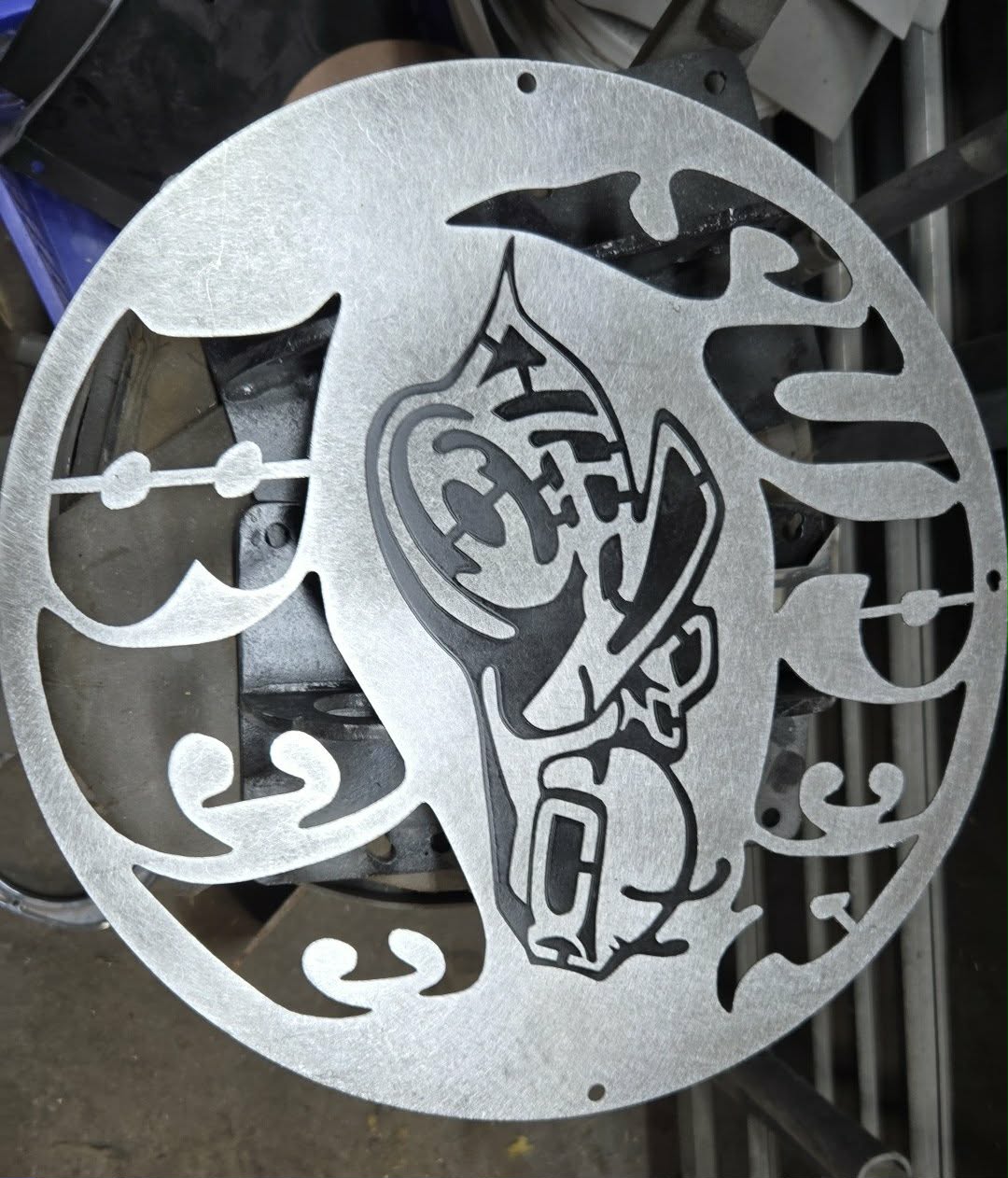
Hi, received mine yesterday, screen is very responsive compared to the original . Put it right to work with free online dxf for fun, that i couldn’t do before.( too much line)

1 Like
Will the arcdroid need to be recalibrated with the new plus controller?

