Gives “breaking bad“ a new meaning?
Nope!
The calibration data is saved to the machine side of things so you should be fine with existing calibration.
My new Droid Plus arrived this morning!! It is an impressive looking upgrade without a doubt. Being able to power it up on my coffee table was pretty awesome. Screen size, visual quality and responsiveness is a home run. It’ll get tested out this weekend and I’m looking forward to it.
Good Job @Andrew !!!
Hello,
Maybe this is a dumb question, but I’ve updated to the April update on the new controller, and plugging into the machine via Ethernet, the screen just blinks over and over and won’t start up. Do I need the new USB-C to be plugged in to use this with my machine? Is the original ethernet cord not capable of transferring enough power?
Aside from the blinking I get an error for a crash, which I’ve taken a picture of.
I have also emailed.
@mbparks @Andrew Dang, I’m in the same boat as mbparks, no comms after 5 secs.
I initially powered up the Plus with the usbc port. Came right up. Checked version and it was a Jan 25 date. Tried to set the date and time but it kept reverting back to what was originally there.
Hooked it to the Droid and it started looking ok but the boot up didn’t complete and got the no comms fault.
Brought the Plus back into the house and powered it up by itself ok. Installed the new update with usb and had no issues doing so. Discovered the date and time could now be set.
Reconnected to the Droid but no joy on boot up, still a comms fault.
I don’t see a s/n sticker anywheres on the Plus either. I think the labels on the cardboard box are just the item part number?
Curious as to why the comm socket is upside down compared to the original controller.
I did try the original controller and it is still working ok.
Did you get your problem resolved mbparks?
same for me, after update, no comms after 5 secs and log on screen with bar changing color
I have an early Arcdroid, no e-stop button. @pq55 how old is your Droid?
also early, indiegogo batch
1 Like
If I remember right mine was 2nd batch. Sure has been an awesome machine! Have done a lot with it. I sure hope this problem is an easy resolve…..
1 Like
Could there be a baud rate difference between early and late model ArcDroids that causing a comm failure with the Plus and early Droids?
Contact the support. They will get you fixed. I am apparently a first-gen early adopter so the motherboard of the ArcDroid needs to be replaced in order to be compatible with the new controller screen.
1 Like
Hi, I am new to ArcDroid and have been preparing to purchase in the near future. I am wondering if the upgraded controller will ship with the machine as an initial purchase option and if so when to expect that(roughly)? With all of the added function it seems a no brainer to immediately integrate.
1 Like
@mbparks Mike, was the s/n Andrew asked for the Droid or the new controller? I sure don’t see one on the new controller…….
For you guys with early Droids who have comm issues and can’t link the new Plus don’t despair!
You can utilize many of the new functions and learn the new Plus. Do your design work on the Plus stand alone, (external power and mouse). Then swap USB stick for the mouse and save your new file. Then transfer to the original controller and start cutting! Or pen drawing!
1 Like
Has anyone found a screen protector for the new plus controller?
No, not yet, but I will be looking for one as well. For now I’m leaving the original plastic wrap on, it seems to work ok with it on. If I find one I’ll post where I got it from.
1 Like
If they don’t already have one, they can cut any size.
And if you are doing YouTube videos, the Anti-Reflective aspect will be Very Helpful!
I want protection from scratches not germs.
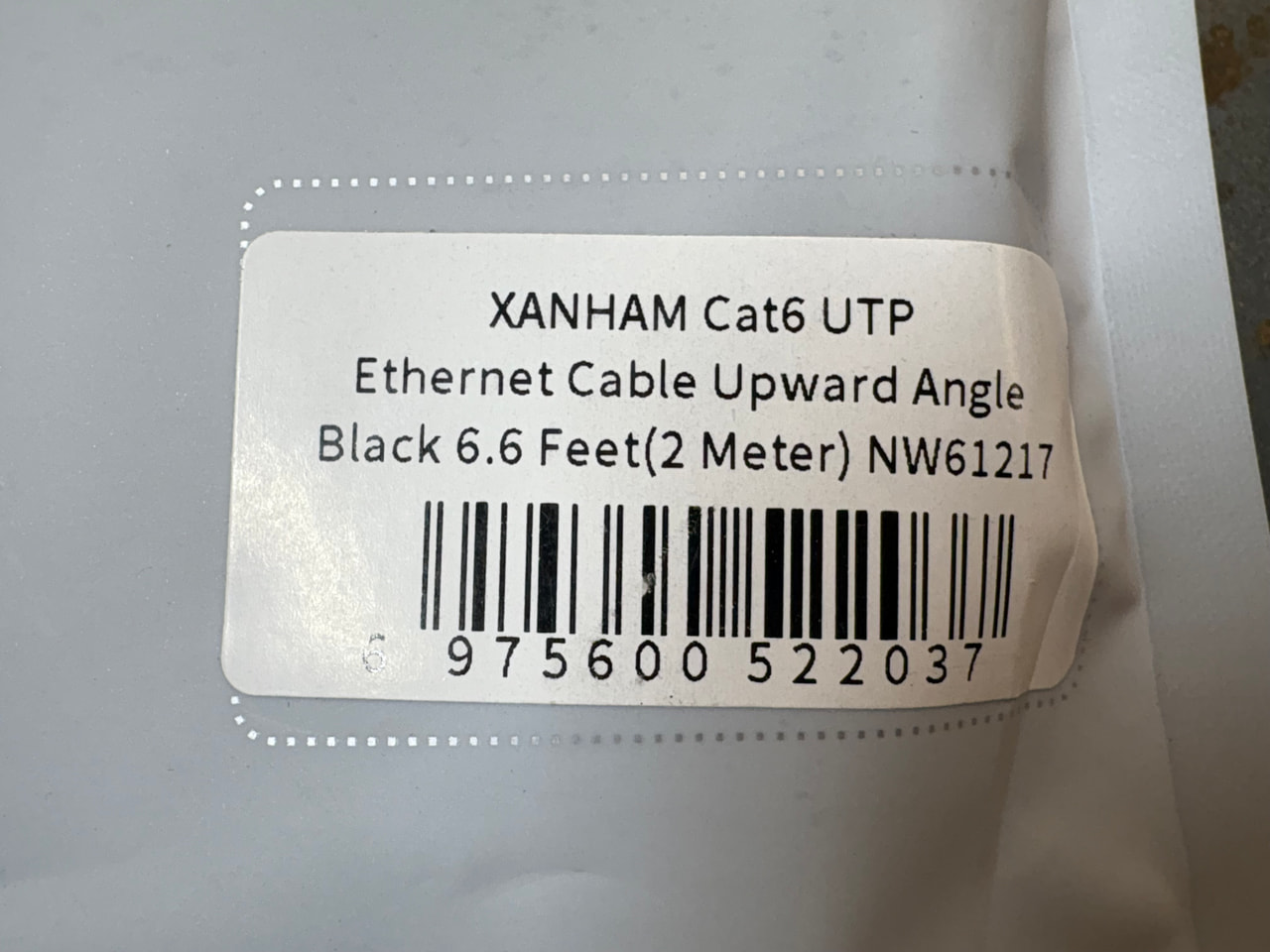
First upgrade to the new controller. I did this to the old one as well, but unfortunately the new controller has the ethernet connection turned 180 degrees so my original right angle cord would not work. So after waiting a couple days for Amazon to deliver the correct cable, I now have one that points down instead of straight out. It keeps the cable a lot closer to the mount and is less likely to get caught while moving the controller around.
I tested it out and there has been no problems with the communication link between the controller and the Arcdroid, so for less than 10 bucks I’m happy.

3 Likes
It is a screen protector so scratches are just part of it. The AAA film adds anti-fingerprint, anti-reflection, anti-biotic.
They have other kinds, as well: Dayvue makes it so you can read it in full#daylight, in case you want to plasma cut at the park. Maybe more, ¯\_(ツ)_/¯

