ArcDroid Plus Power Upgrade Install | Easy Fix for Plus Controller Power Issues - YouTube
Just a heads up. I have ran into an issue when trying to install the power upgrade board. The sockets on my mother board are installed 180 out. I am waiting on a response but expect it to be Monday or Tuesday. I will update this once I hear back from support. The main issue is do not turn the board around and try to install it. You will let the magic smoke out and things will stop working. Compare the sockets on the main board to the picture in the instructions that came with the power upgrade. It has to match, exactly.
After an exchange with support, they advised me to pull the plastic sockets off the main board and spin them 180 and put them back on. If you have to do this, make sure to remove both sockets and then install them back on. Depending on which socket you pull first it may not clear the other one when you rotate it.
Here are a few pictures after the sockets have been fixed and with the board installed. I noticed in the video it just talked about the board clicking in. Well mine was silent but after confirming the power board was fully installed I noticed it was level with the relay. So for anyone wondering if you got it installed all the way that is a great reference!
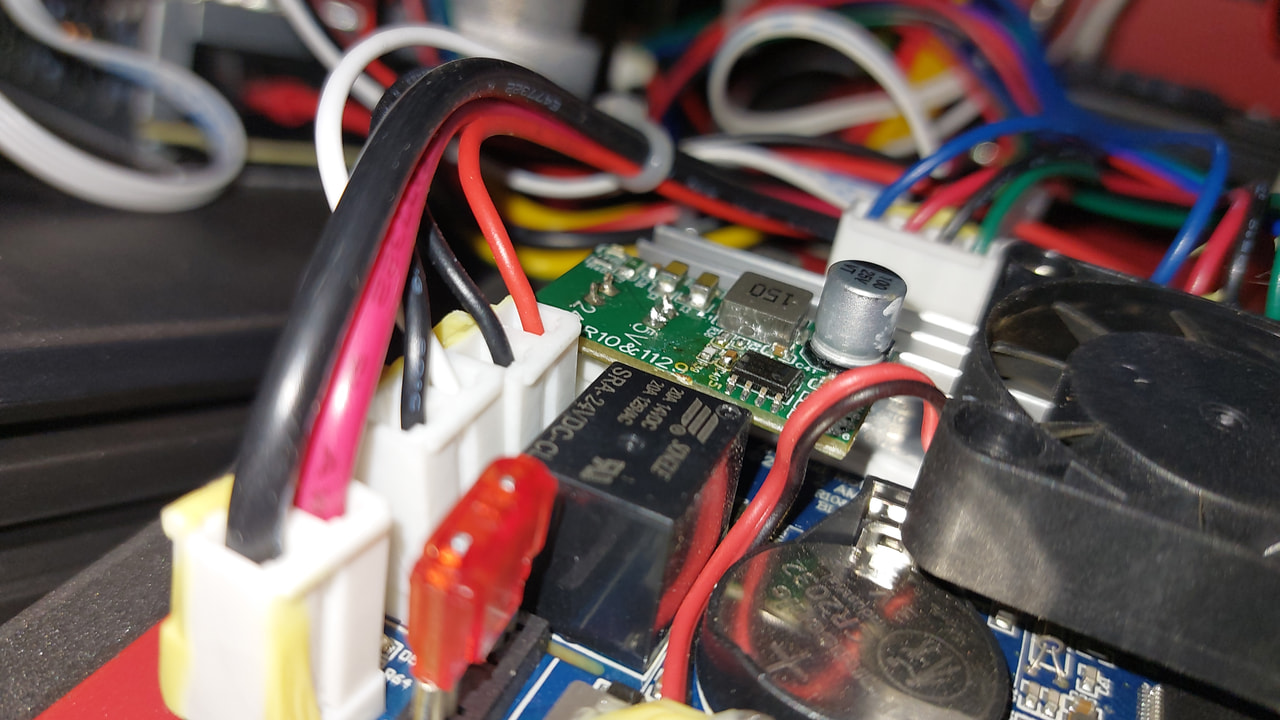

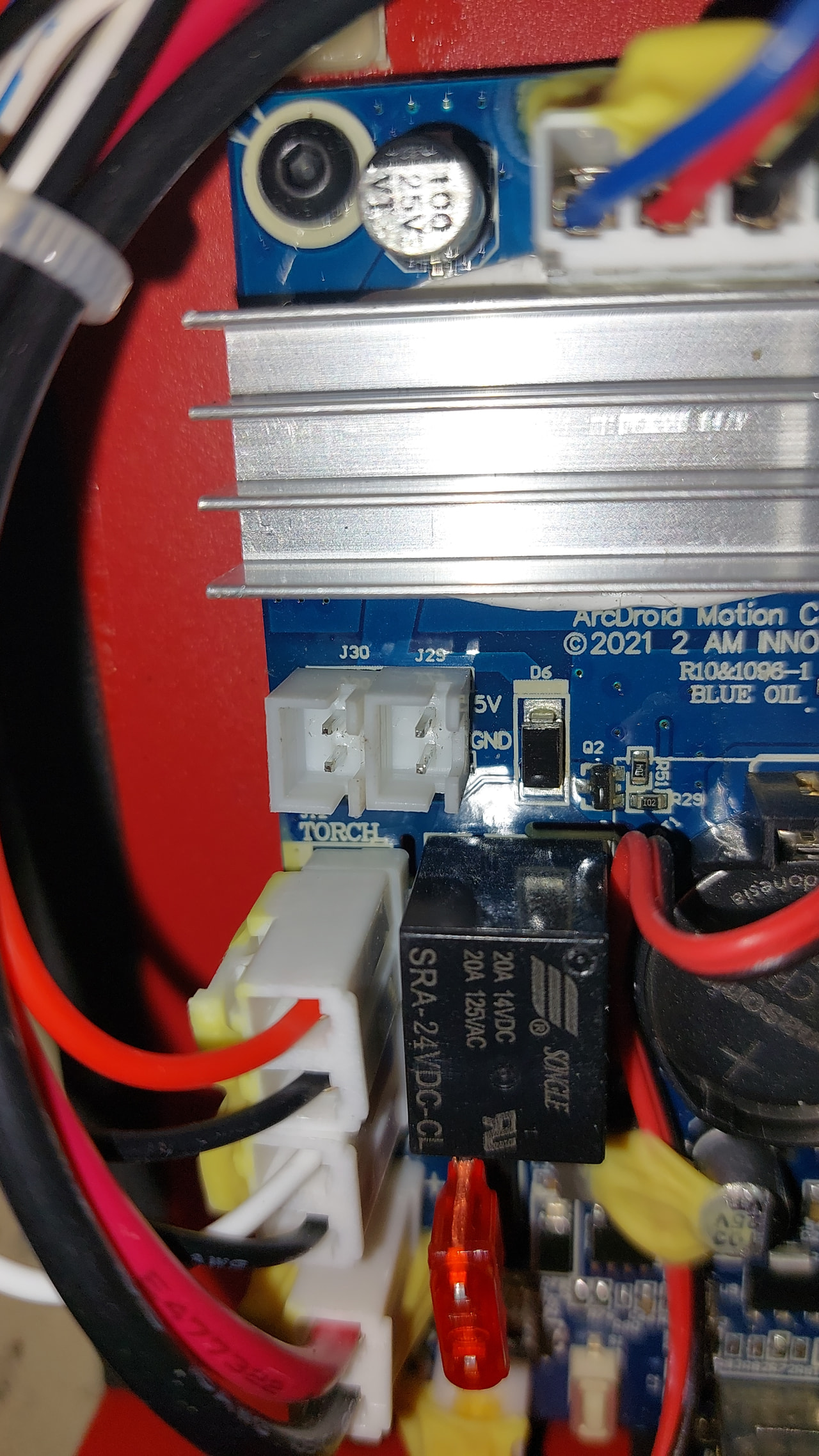


1 Like